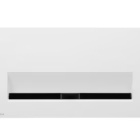



Depending on installation environment, cables may be visible.
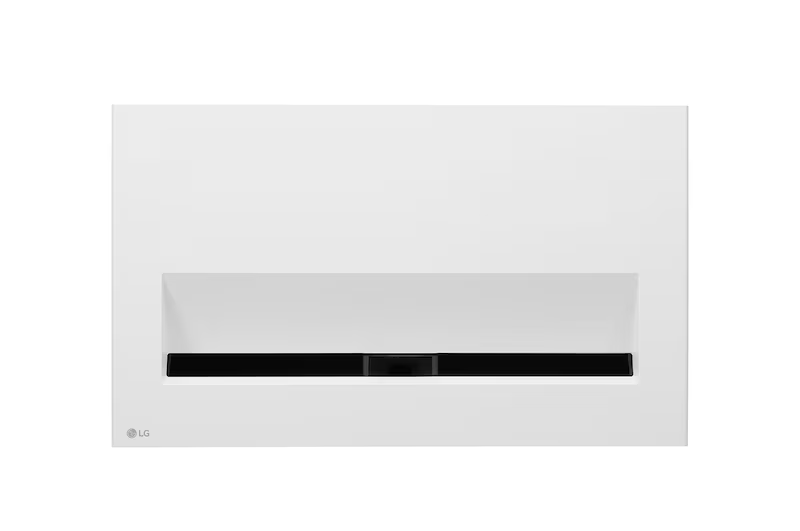
*It can project an 80-inch screen from a distance of 11.8cm, a 100-inch screen from a distance of 21.7cm, and a 120-inch screen from a distance of 31.7cm.
**Textiles by Kvadrat. Kvadrat is a Danish textile company.
comparison of FULL HD and 4K UHD
Image illustrated to enhance feature understanding
*The figures of contrast ratio and colour gamut are the measured value from internal testing.
*The marked brightness, the measured value from internal testing, is based on the brightness standard that users perceive.
*The above figures are based on ‘Brightest mode’ and may vary depending on your environment.
*The colour gamut is based on ‘Vivid mode’ and the colour reproduction range may vary depending on the picture mode you choose.
*HDR covers almost all HDR specifications, including HDR10, Dynamic Tone Mapping, HLG, HGiG and other specifications.
*The images simulated to enhance feature understanding. It may differ from actual use.
Image quality is dependent on source material quality.
*Brightness Optimizerâ…¡ includes Auto Brightness and Adaptive Contrast. It controls the amount of electric current depending on the brightness of the original image, while the ambient sensor optimizes the brightness by automatically recognizing the ambient lighting conditions.
*The images simulated to enhance feature understanding. It may differ from actual use.
**To run ‘Auto Brightness’, you can turn on the ambient sensor by accessing the ‘Brightness OptimizerⅡ’ menu using the magic remote control and turning ON/OFF the ‘Auto Brightness’. (During use this function, Energy saving menu is disabled)
**Iris mode that physically controls the contrast ratio is NOT supported.
*Internet connection and subscription to streaming services are required.
*Supported services may differ by country.
Internet connection and subscriptions may be required for certain features and to access certain content.
Internet usage charges and conditions apply. Content, features and third party services will vary from time to time without notice.
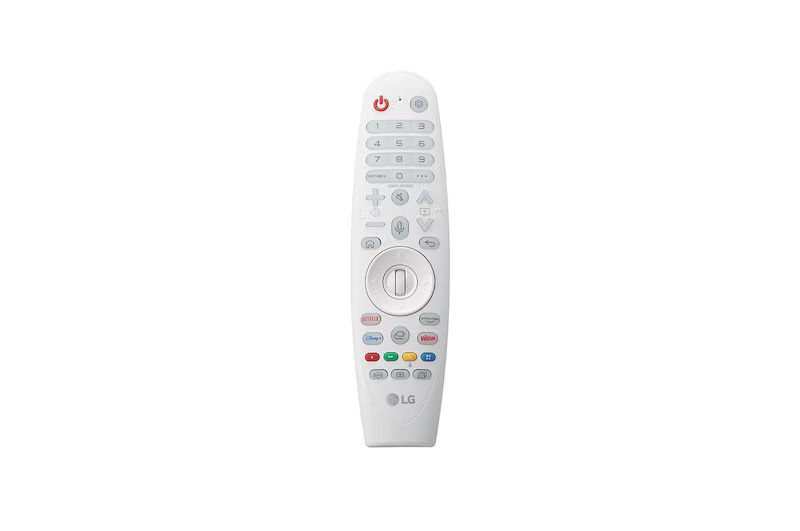
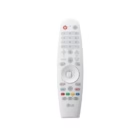
With Magic Lighting Remote Control, you can just press the Home button and easily control the projector. The lighting function lets you control the projector conveniently even in a dark room.
Image Title Copy
1. Find the video that you want to stream.
2. Tap AirPlay icon.
3. Choose your LG CineBeam projector.
4. If an AirPlay passcode appears on your projector screen, enter the passcode on your Apple device.
1. Open Control Center.
2. Tap Screen Mirroring.
3. Select your LG CineBeam from the list.
4. If an AirPlay passcode appears on your projector screen, enter the passcode on your Apple device.
1. On 2nd depth Launcher of webOS 6.0, click AirPlay.
2. Click Open Settings and Select ‘Set up HomeKit’.
3. Scan the QR Code on LG CineBeam using your Apple device.
4. Complete HomeKit Setting on LG CineBeam.
*Your Apple device must be connected to the same Wi-Fi network as your projector.
*Apple, the Apple logo, AirPlay, Apple TV, and HomeKit are trademarks of Apple Inc., registered in the U.S. and other countries.
*This LG CineBeam supports AirPlay 2 and requires iOS 12.3 or later or macOS 10.14.5 or later.
2.0 Ch : Tweeter 2ea + Woofer 2ea (L/R) on the front that can reproduce the full range
0.2 Ch : Woofer 2ea (L/R) on the back to enhance the bass range
2.0 Ch – Tweeter + Woofer (Front)
0.2 Ch – Woofer (Rear)
Sound quality is dependent on source material.
*Needs to purchase Bluetooth speakers to use this function.
*4.2 channels effect : 2.2 Ch is implemented in virtual. Need to connect two Bluetooth speakers for 4.2 Ch effect.
*The images simulated to enhance feature understanding. It may differ from actual use.